
Taxonomy
Data-Driven Redesign, How to Safely Replace Your Category Tree
Data is the only reliable way to rework your category tree without hurting performance. Learn how to redesign your ecommerce taxonomy safely.
Automate every step of your product catalog, from data enrichment and content creation to photo optimization.
Explore the PlatformStreamline operations with automated workflows for every industry, business model, and role.
Explore solutionsTaxonomy
Category tree maintenance is underrated and often pushed aside. Learn why your ecommerce taxonomy needs regular spring cleaning to keep performing.

Category tree maintenance is one of the most underrated tasks in e-commerce. It often gets pushed aside for flashier projects like ad campaigns or homepage redesigns. But the structure of your category tree plays a critical role in how customers interact with your store. A clean, organized tree helps people find products faster, improves SEO, and reduces bounce rates. When your navigation is outdated, cluttered, or confusing, it creates friction that hurts conversions. That’s why spring is the perfect time to take a fresh look at your category structure.
A category tree is more than just your navigation bar. It’s the foundation of your product discovery journey. It groups products into logical levels, from broad categories to detailed subcategories. This guides your visitors from the homepage all the way to the checkout with as few clicks as possible. When the structure is clear, customers feel in control. They can quickly narrow their search and land on exactly what they want. But when it’s bloated, repetitive, or unclear, the experience becomes frustrating.
Many stores evolve over time, adding new product lines or seasonal items. But they often forget to adjust the structure that supports them. Without regular category tree maintenance, you risk building a site that no longer reflects what you actually sell or how your customers think.
Some problems build up gradually. Others appear overnight. Either way, there are common warning signs that your category tree is overdue for a refresh.
If several categories serve the same purpose or have unclear names, customers can easily get lost. For example, “Accessories” and “Add-Ons” might mean the same thing to you, but not to a shopper.
When people land on category pages and immediately bounce, it often means the page didn’t match their expectations. This mismatch is a structural issue, not just a content one.
Your customers might be searching for “running shoes” while your navigation says “athletic footwear.” This disconnect makes it harder for them to find what they want.
If you’re adding new inventory but struggling to place it within the existing tree, that’s a signal the structure no longer supports your catalog growth.
Cleaning up your category tree isn’t just about tidiness. It directly supports performance across your entire store. A well-maintained structure creates a better customer experience, makes your content more searchable, and helps your internal teams work more efficiently.
A clean tree also ensures that your SEO strategy works harder for you. Search engines prioritize well-structured category pages. That means better indexing, better keyword targeting, and more organic traffic. From a UX perspective, a good tree makes the shopping journey intuitive. The fewer clicks it takes to find a product, the more likely someone is to buy.
Internally, a simplified category system makes it easier to manage stock, track analytics, and launch campaigns. You can group, tag, and promote products more strategically when the categories make sense.
Every store is different, but these steps offer a consistent framework to clean and optimize your structure without starting from scratch.
List every existing category and subcategory. Analyze traffic, bounce rates, and product count in each one to see what’s working and what’s not.
Merge or remove categories that repeat themselves. Each category should be unique in purpose and clear in label.
Data is the only reliable way to rework your category tree without hurting performance. Learn how to redesign your ecommerce taxonomy safely.
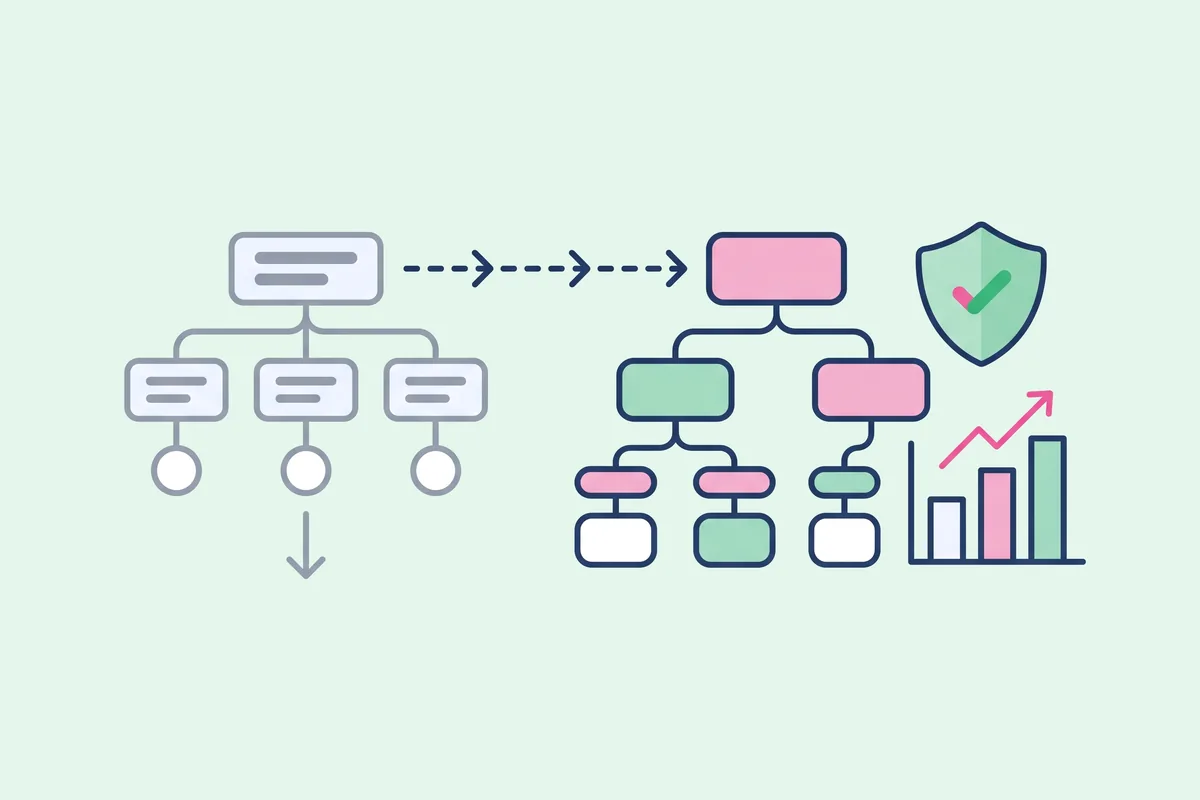
Incremental tweaks or a radical change? Learn how to tell when your ecommerce category structure needs a full overhaul instead of small fixes.
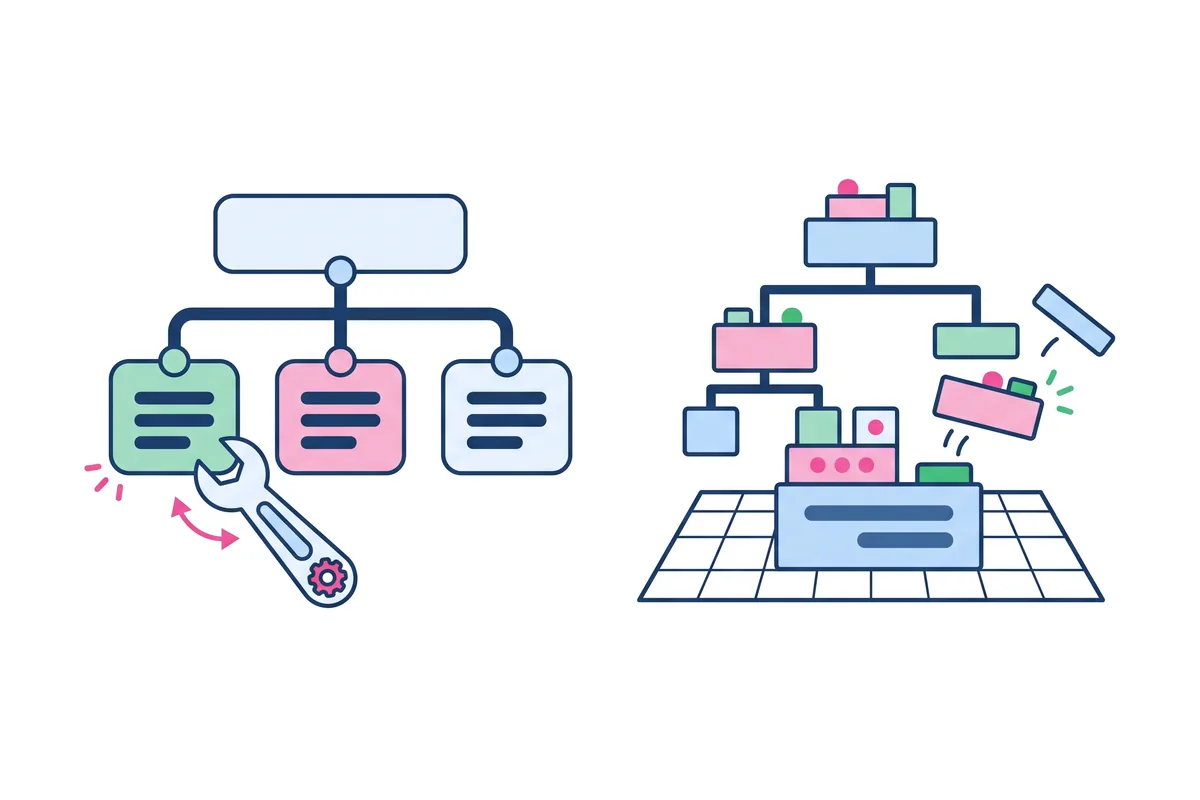
Real taxonomy overhauls show what works. Learn the lessons from ecommerce brands that replaced their category trees and what they would do again.

Newsletter