
Taxonomy
Data-Driven Redesign, How to Safely Replace Your Category Tree
Data is the only reliable way to rework your category tree without hurting performance. Learn how to redesign your ecommerce taxonomy safely.
Automate every step of your product catalog, from data enrichment and content creation to photo optimization.
Explore the PlatformStreamline operations with automated workflows for every industry, business model, and role.
Explore solutionsTaxonomy
Most category trees fail shoppers and search engines. Learn why, and how to audit your ecommerce taxonomy like a pro with a clear step by step method.

An e‑commerce store lives and dies by its structure. At the heart of that structure is the category tree, your digital shelf. But here’s the hard truth: most category trees do not just underperform, they actively drive shoppers away. Whether you are selling 500 or 50,000 products, a poor hierarchy can tank conversions, bury great inventory, and confuse both users and search engines.
In this article, we will unpack why category trees fail and show you how to run a category tree audit like a seasoned e‑commerce strategist.
Even well‑intentioned teams make critical mistakes when building their product taxonomy. Here is where things usually fall apart:
Too often, category trees are shaped by internal logic, such as how your team thinks about inventory or how suppliers deliver products. That is a recipe for misalignment. Shoppers do not know or care about your warehouse schema. They care about quickly finding what they want.
A flat category tree overwhelms users with choices, while an overly deep one buries products under too many clicks. Either way, shoppers get frustrated. The ideal structure mirrors natural browsing behavior. It should be broad enough for clarity and deep enough for relevance.
If some winter jackets are under “Outerwear” and others under “Coats,” you are asking your customers to guess. Inconsistent labels, redundant subcategories, and overlapping paths confuse users and hurt SEO performance.
A category tree audit is not just about cleaning up clutter. It is about creating a navigation system that enhances discovery, boosts conversions, and supports SEO. Follow these professional steps:
Begin with real user behavior. Look at:
Create a visual map or spreadsheet of your entire taxonomy. This helps identify:
Ensure that each path in your tree supports a clear and focused user journey.
Adjust your labels and groupings based on how customers think and search, not how your internal teams organize products. Use:
Ask whether category names are intuitive, whether there are too many choices at the top level, and whether a first‑time visitor can understand your layout within seconds.
Make each category page a destination, not a dead end. Improve:
After restructuring, test how users interact with your updated navigation. A/B test different menu versions and monitor:
Even small updates, like renaming a confusing label, can produce big gains in performance.
If your store has thousands of SKUs or if you are scaling product lines quickly, manual audits become unmanageable. Naratix offers agents like Dynamo to extract and structure attributes automatically, making your taxonomy cleaner and smarter. Combine this with Nara and Grant to automate SEO descriptions and personalized product recommendations at scale.
A broken category tree silently destroys user experience and sales. But with a smart category tree audit, you can replace confusion with clarity. Build a structure that makes shopping effortless and search engines happy. The result? More traffic, better conversions, and a catalog that works as hard as you do. Start your audit today.
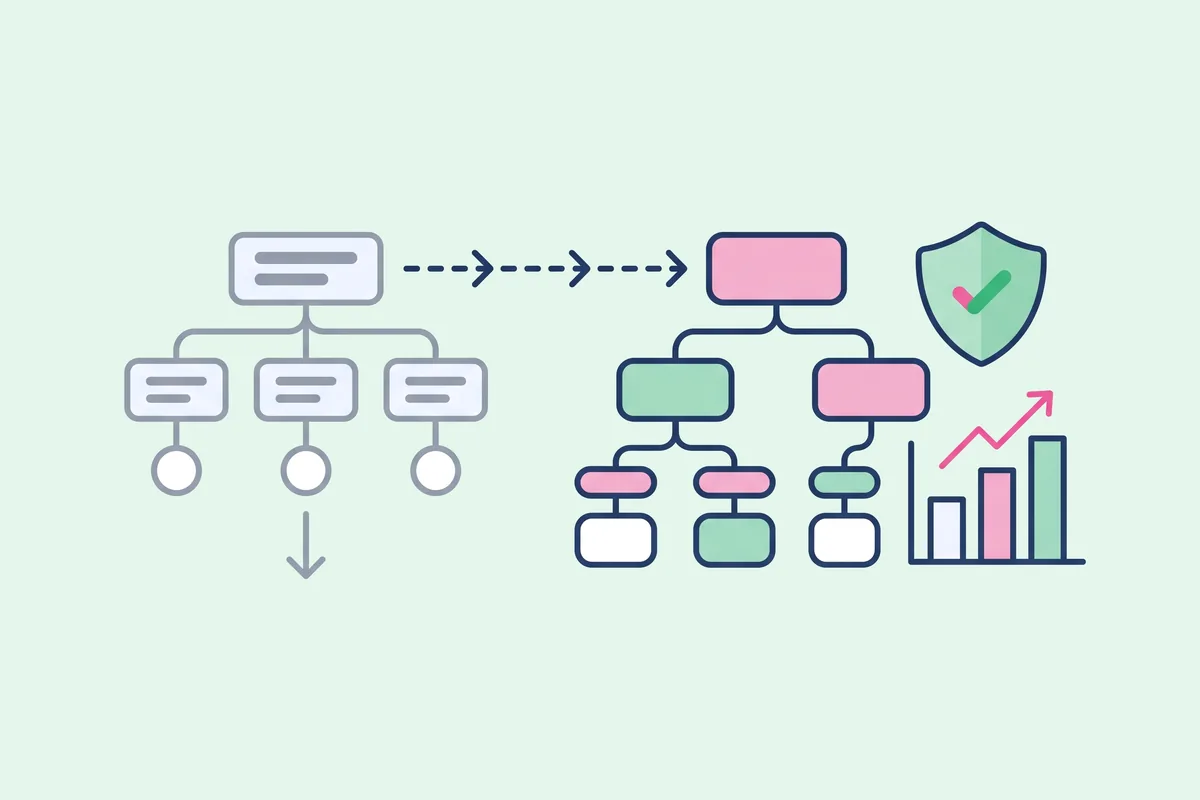
Data is the only reliable way to rework your category tree without hurting performance. Learn how to redesign your ecommerce taxonomy safely.
Incremental tweaks or a radical change? Learn how to tell when your ecommerce category structure needs a full overhaul instead of small fixes.

Real taxonomy overhauls show what works. Learn the lessons from ecommerce brands that replaced their category trees and what they would do again.

Newsletter