
Taxonomy
Data-Driven Redesign, How to Safely Replace Your Category Tree
Data is the only reliable way to rework your category tree without hurting performance. Learn how to redesign your ecommerce taxonomy safely.
Automate every step of your product catalog, from data enrichment and content creation to photo optimization.
Explore the PlatformStreamline operations with automated workflows for every industry, business model, and role.
Explore solutionsTaxonomy
Broken paths and dead ends hurt ecommerce navigation. Learn how to find and fix the category navigation errors hiding in your product taxonomy.
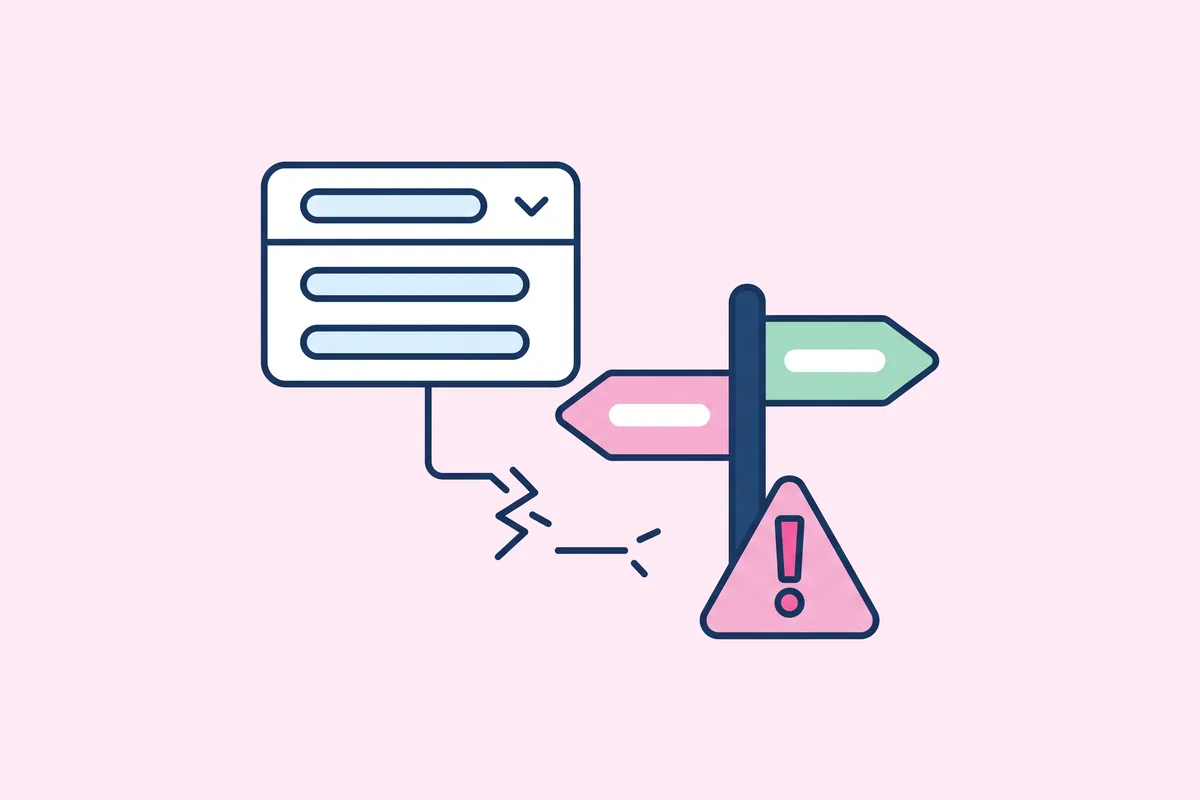
Category navigation errors are one of the most overlooked problems in e-commerce site structure. When your online store feels hard to navigate, the issue often isn't the design, it’s the way your categories are organized. Broken paths, dead ends, and confusing hierarchy are all symptoms of a flawed taxonomy.
These silent errors don’t just frustrate users, they damage your SEO, reduce conversions, and slow down growth. The good news? You can fix them. And with the right approach, you can keep them from coming back.
Every shopper journey starts with exploration. When categories mislead, loop endlessly, or fail to load the right results, customers drop off. These category navigation errors create friction, kill discoverability, and lower your store’s ability to convert.
Even more critically, they confuse search engines. If crawlers encounter inconsistent internal links, outdated slugs, or misaligned breadcrumbs, your ranking potential drops. Clean category paths matter for both humans and bots.
Spotting broken paths isn’t always obvious. Sometimes, your category tree looks fine on the surface but hides a maze underneath.
Here are a few key warning signs of category navigation errors:
Finding these issues starts with intentional inspection, not just browsing like a customer. Here’s a proven way to uncover errors efficiently.
Create a visual or spreadsheet map of your category structure. Start from the homepage and go two to three levels deep. Look for duplicate entries, orphaned categories, or pages that don’t belong where they appear.
Tools like heatmaps and session replays show where users get lost. If people bounce right after hitting a subcategory, that’s a signal to investigate its content or links.
Run through all combinations of category links and filters. If any result in errors, blank pages, or irrelevant products, you’ve found a structural weakness.
Use SEO tools to audit internal linking across categories. Look for broken links, loops, or chains that dilute link equity and confuse crawlers.
Once you’ve spotted issues, the goal is to simplify and align. Here’s how to do it effectively:
Fixing broken taxonomy paths is one thing. Preventing future category navigation errors is where automation shines.
Ensures product attributes are correctly extracted and consistently applied.
Uses that data to generate accurate, SEO-ready category content aligned to your navigation logic.
Together, they reduce human error, maintain structural integrity, and help you scale cleanly as your catalog grows.
If your product discovery feels broken, it probably is. Category navigation errors often hide in plain sight, hurting UX, SEO, and sales. But with regular audits and smart tools, you can uncover and fix these issues fast.
Let Naratix help you build a category structure that converts, scales, and keeps your customers on the right path.
Data is the only reliable way to rework your category tree without hurting performance. Learn how to redesign your ecommerce taxonomy safely.
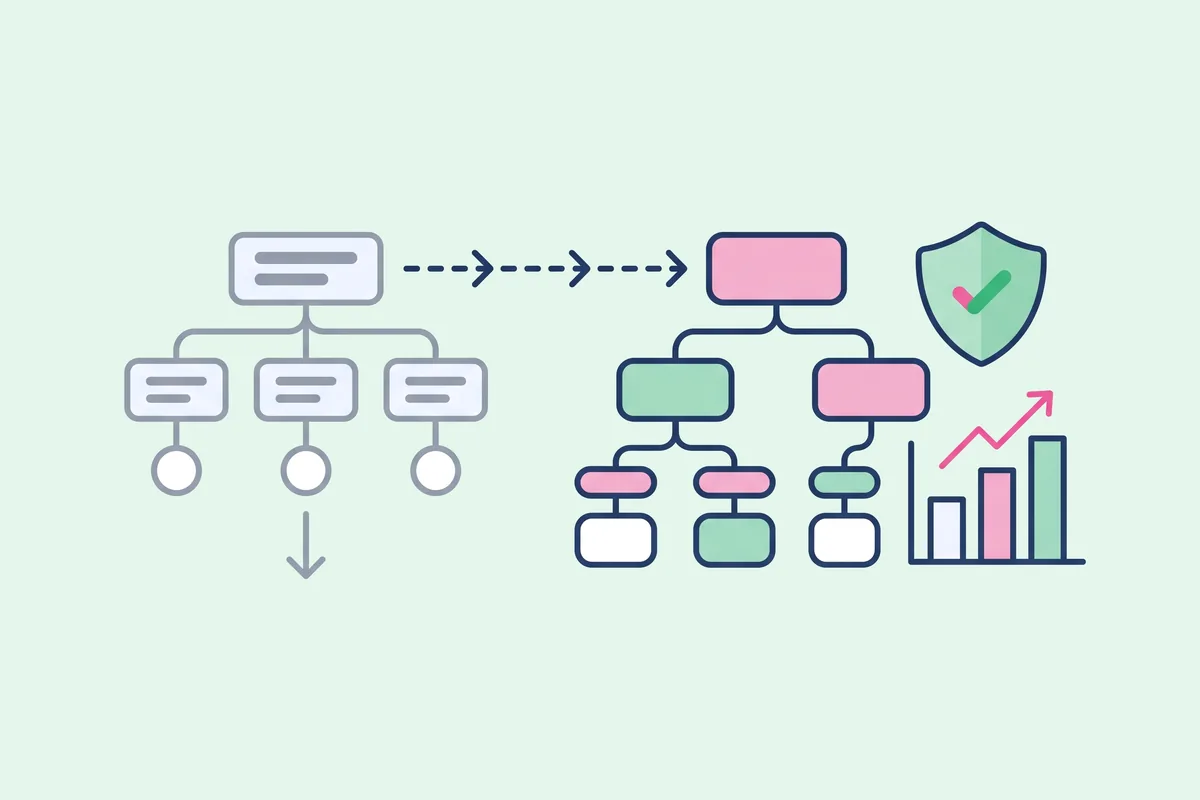
Incremental tweaks or a radical change? Learn how to tell when your ecommerce category structure needs a full overhaul instead of small fixes.
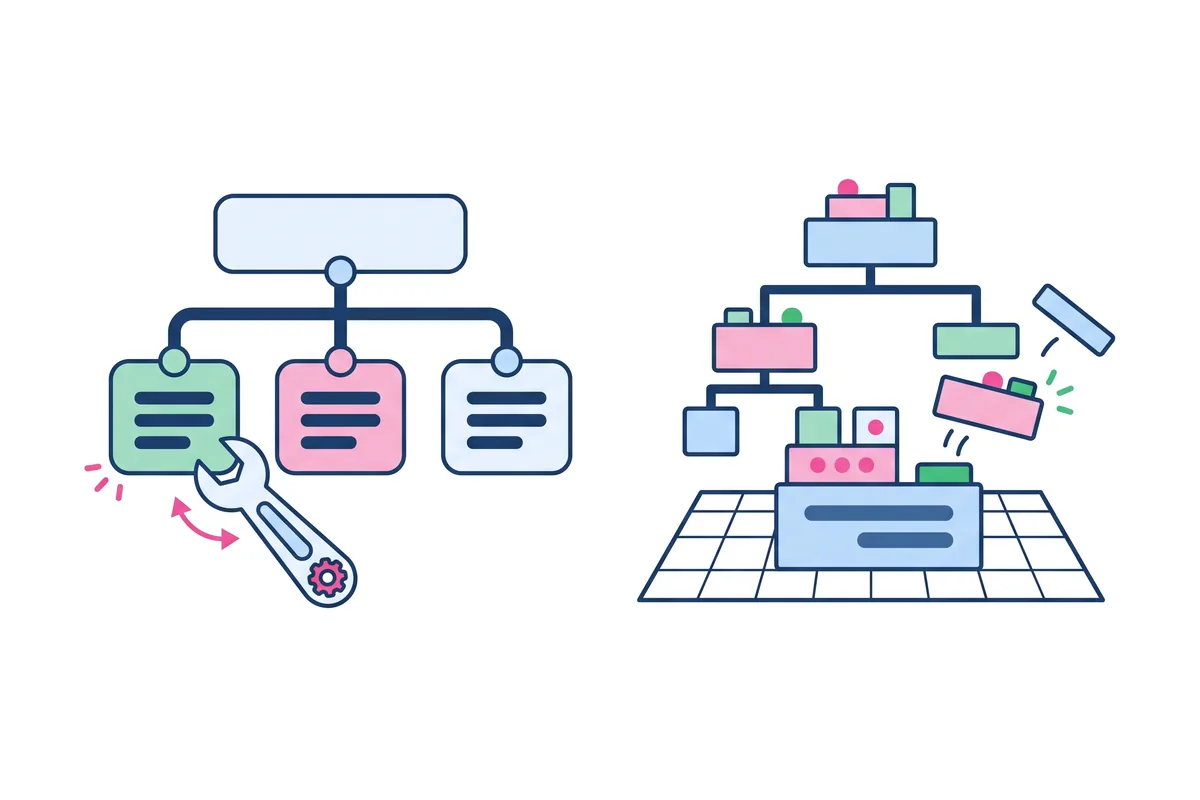
Real taxonomy overhauls show what works. Learn the lessons from ecommerce brands that replaced their category trees and what they would do again.
Newsletter