
Filters & Navigation
Dynamic Product Filters and How to Use Them
Dynamic filters adapt to context, stock and campaigns in real time. Learn how to use dynamic product filters to help shoppers find products faster.
Automate every step of your product catalog, from data enrichment and content creation to photo optimization.
Explore the PlatformStreamline operations with automated workflows for every industry, business model, and role.
Explore solutionsFilters & Navigation
Every new filter affects site structure, user experience and SEO. Use this practical checklist to add ecommerce filters the right way, every time.
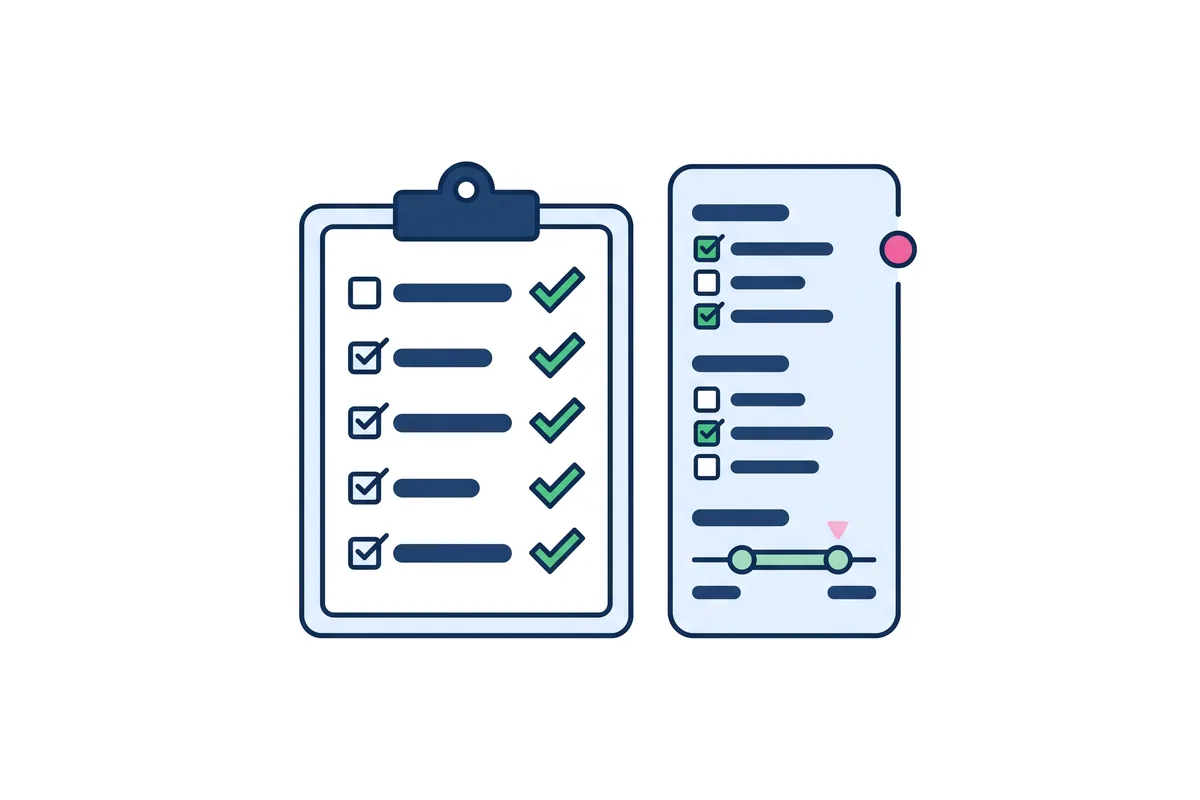
Adding ecommerce filters might seem simple, it’s tempting to just drop in a new attribute and move on. But the truth is, every new filter affects your site’s structure, user experience, and even your SEO. Do it carelessly, and you create clutter. Do it thoughtfully, and you boost discoverability, reduce bounce rates, and improve conversions.
This checklist will help you ensure that every new filter adds value without compromising performance.
Every new filter changes how shoppers interact with your store. Whether it’s “Sleeve Length,” “Eco Friendly,” or “Compatible Devices,” each one becomes a decision point. When filters are well-designed and aligned with user intent, they shorten the path to purchase. When they’re random or excessive, they confuse.
That’s why adding ecommerce filters should always support clarity and relevance. You’re not just expanding a list, you’re shaping how customers explore.
Done right, filters enhance user flow, unlock deeper product discovery, and strengthen SEO through structured data. Done wrong, they bog down pages, slow site speed, and create duplicate or empty URLs.
Before you hit publish on a new filter, make sure it checks all these boxes:
Even with the checklist, filter launches should be methodical. A rushed rollout can cause more harm than help, especially if tagging is inconsistent or if the filter behaves unpredictably across devices. Taking a few extra steps before going live ensures a smoother experience for both your team and your customers. Follow these best practices to launch confidently and catch issues early:
Preview how the filter works in context, across desktop, tablet, and mobile. Fix any conflicts or UI bugs before going live.
Apply the new value evenly across all relevant products. Incomplete tagging leads to dead ends and empty filter results.
If the filter represents a new benefit or trend, call it out in banners or category intros. Help users understand how to use it.
Track filter usage and conversions. If it underperforms, investigate why, then revise or remove it based on real data.
Manual tagging is where most teams get stuck. But with Dynamo and Nara, you don’t have to worry about that scale problem.
Identifies, extracts, and applies consistent product attributes across your catalog.
Uses that structure to generate optimized content and clean, usable filters that make sense to your users.
Together, they take the guesswork out of adding ecommerce filters and help you launch smarter, faster, and with less manual cleanup.
Adding ecommerce filters is a powerful tool when it’s done right. Use this checklist, lean on data, and let automation carry the heavy load. Your customers will thank you with more clicks, more engagement, and more conversions.
Dynamic filters adapt to context, stock and campaigns in real time. Learn how to use dynamic product filters to help shoppers find products faster.

Temporary product filters surface seasonal promotions and limited collections. Learn how to use them to lift conversions without cluttering your store.

Filters should guide shoppers, not confuse them. Learn a smart filter cleanup strategy, which filters to remove and which new ones to add instead.

Newsletter